

Beam Drive Car Crash Test Simulator
Related Games


car games
Test realistic crash physics, build custom maps, and watch cars crumple in a free browser destruction sandbox.
Detailed Ratings
Custom maps plus inspectable damage go past a smash button
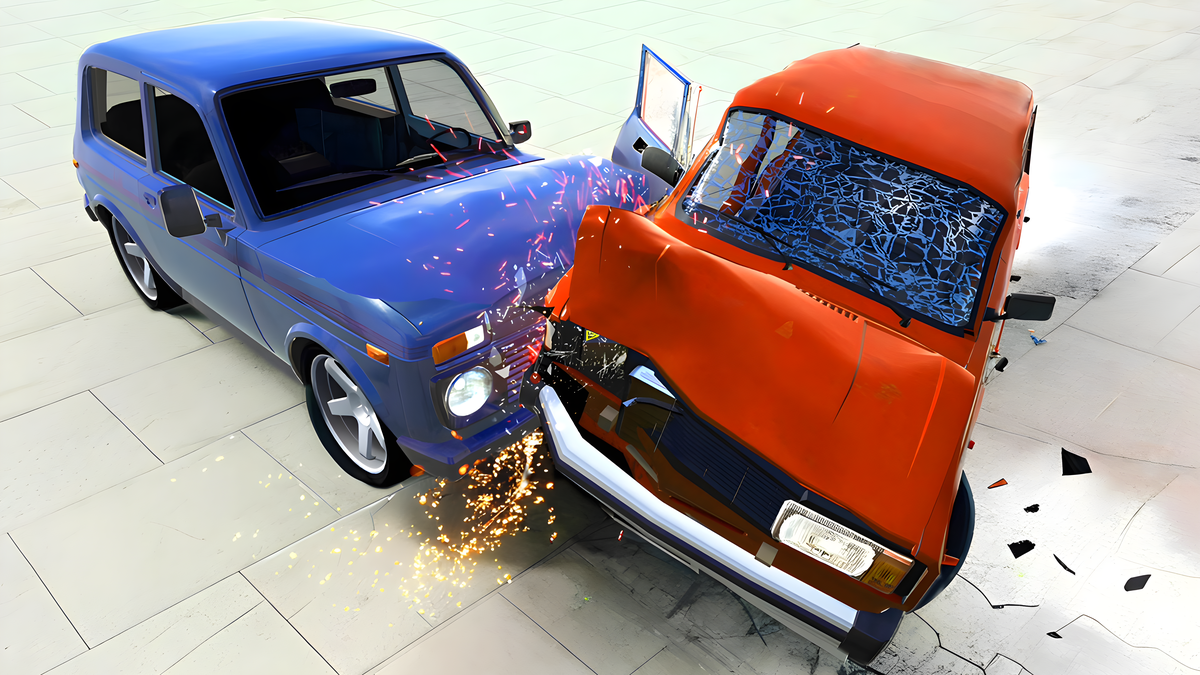
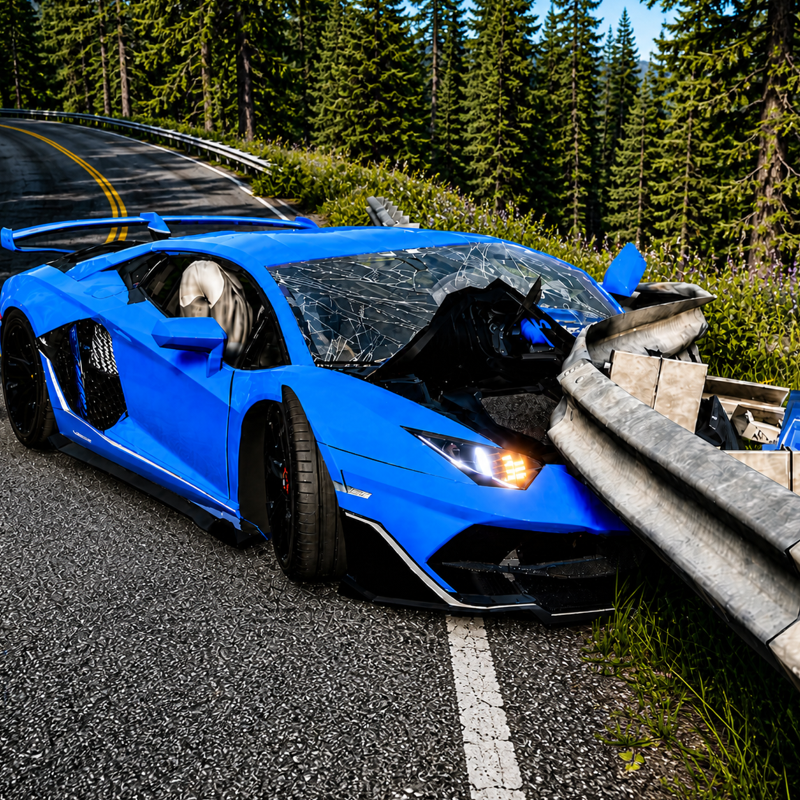
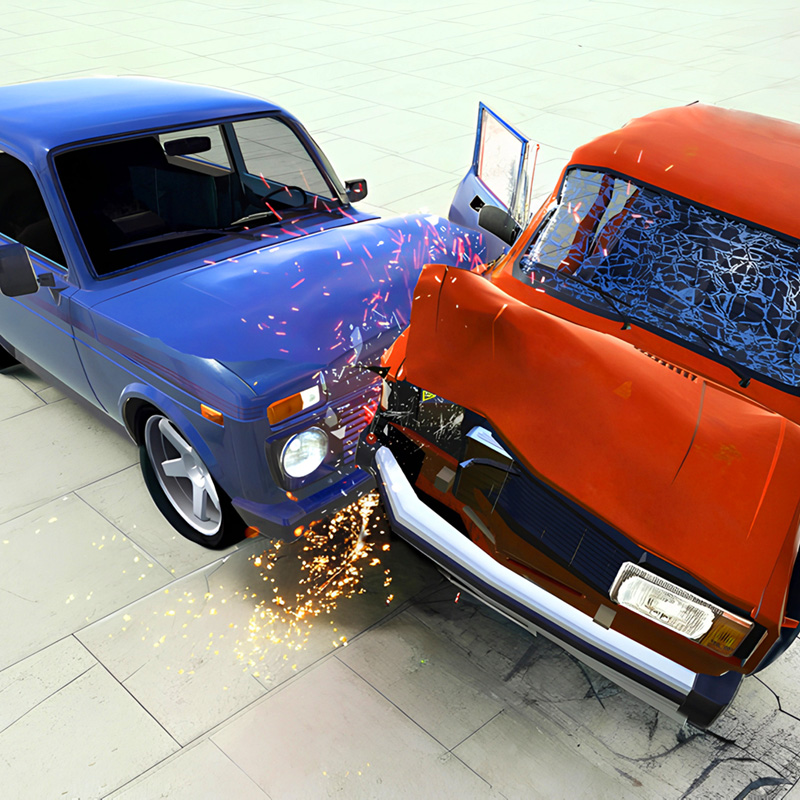
Crumple and tear are the whole visual pitch
Building a layout then wrecking it is the loop
Game Introduction
Beam Drive is a crash lab with soft-body damage: panels fold, parts tear, and a hard hit can split a car. You can drive, walk, or fly the camera around the test area before the next impact.
Preset maps are only the start. You can build your own layouts, then inspect the wreck with zoom, turn signals, hazards, and a horn if you want the sim extras while you destroy things.
WASD to drive, mouse to orbit the camera, Space for handbrake. On a phone, the on-screen buttons cover the same loop. No install, just the next crash.
How to Play
Spawn a car, line up a hit, then look at what folded. Change the angle and do it again. Restore or reset when the chassis is done.
Build a custom map if the default props are not enough. Place what you want, then test it at different speeds.
After impact, rotate the camera. Undercarriage and wheels tell you more than the hood shot.
PC and Mobile Interaction
Use WASD or arrow keys to drive. Extra keys from the game guide may include nitro, handbrake, camera change, reset, and slow motion.
Use on-screen buttons, joystick, or touch gestures. Keep one thumb on steering and the other on boost or brake when available.
Tips & Tricks
Start with medium speed crashes so you can read deformation before full explosions.
Rotate the camera after impact to check undercarriage and wheel damage.
Save custom layouts that produce consistent high-damage hits.
Level Information
Preset crash maps plus custom level creation tools.
Detailed vehicle destructibility with camera inspection options.
Desktop and mobile control schemes for sandbox testing.
Game Tags
Game Information
Screenshots